
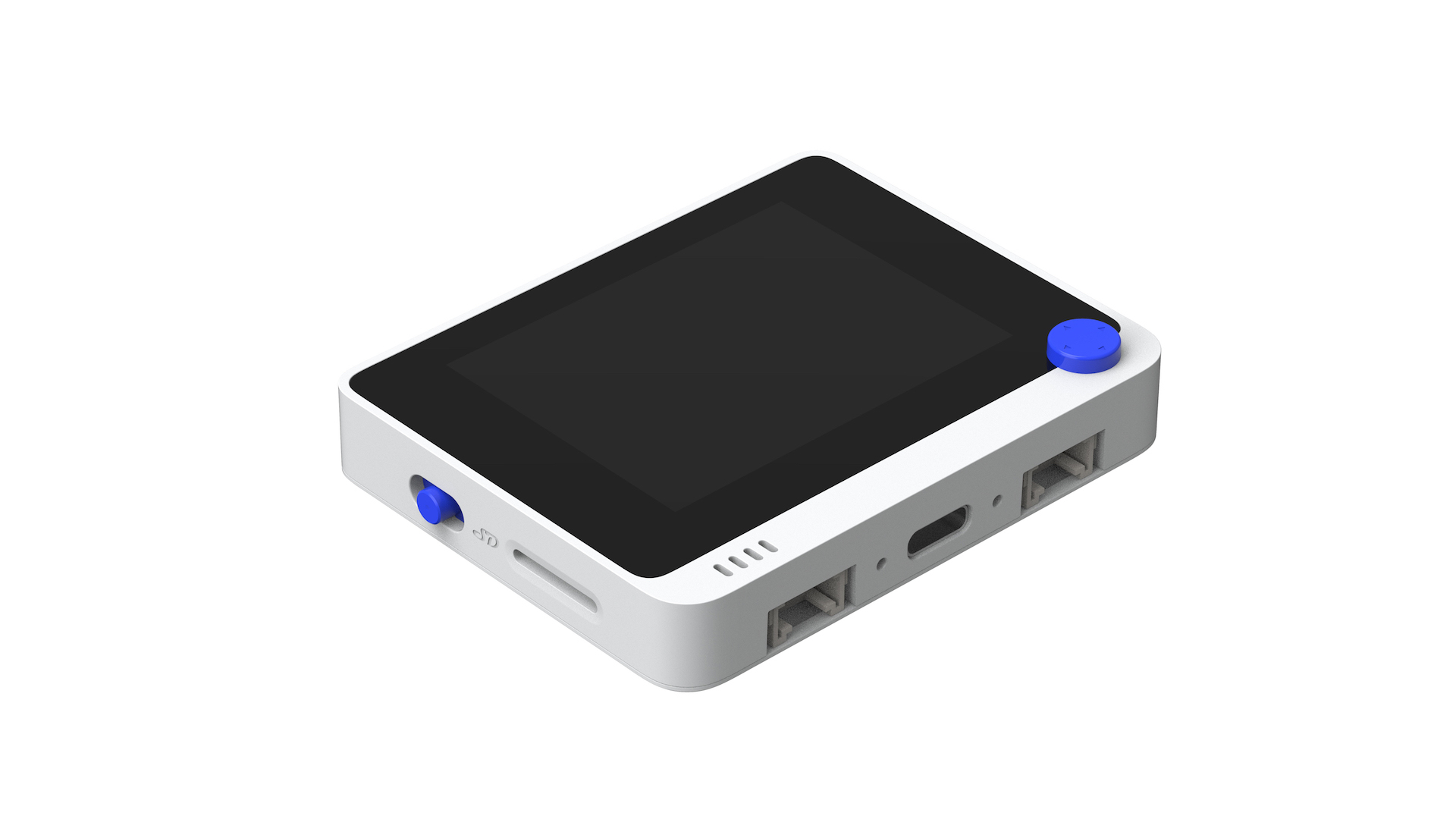
I haven’t touched my Wio Terminal for a long time, and I need to remind myself how to program it.
Here’s s simple test program which I have uploaded using the Arduino IDE.
I needed ….
https://files.seeedstudio.com/arduino/package_seeeduino_boards_index.json
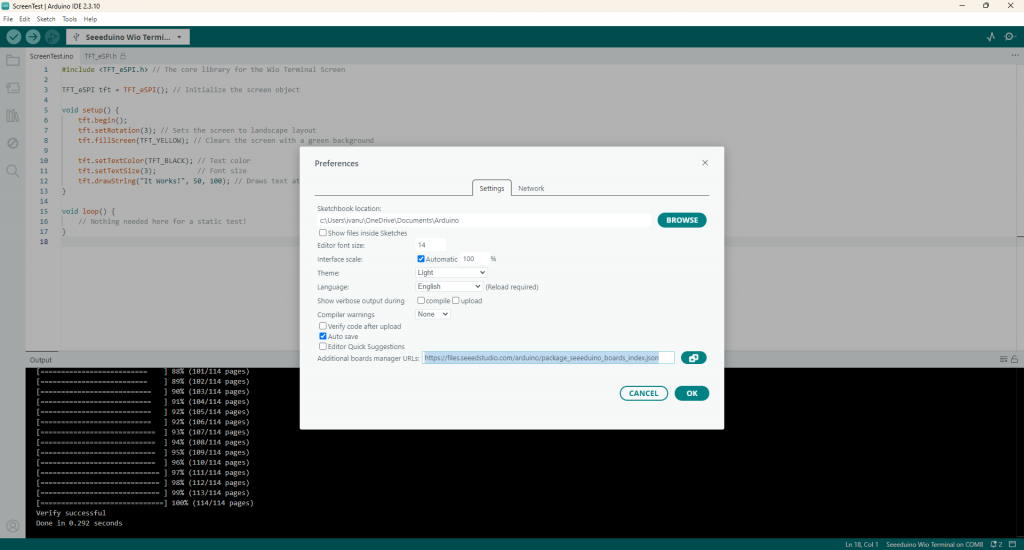
Here’s the program
#include <TFT_eSPI.h> // The core library for the Wio Terminal Screen

TFT_eSPI tft = TFT_eSPI(); // Initialize the screen object

void setup() {
    tft.begin();
    tft.setRotation(3); // Sets the screen to landscape layout
    tft.fillScreen(TFT_YELLOW); // Clears the screen with a green background

    tft.setTextColor(TFT_BLACK); // Text color
    tft.setTextSize(3);          // Font size
    tft.drawString("It Works!", 50, 100); // Draws text at X:50, Y:100
}

void loop() {
    // Nothing needed here for a static test!
}