
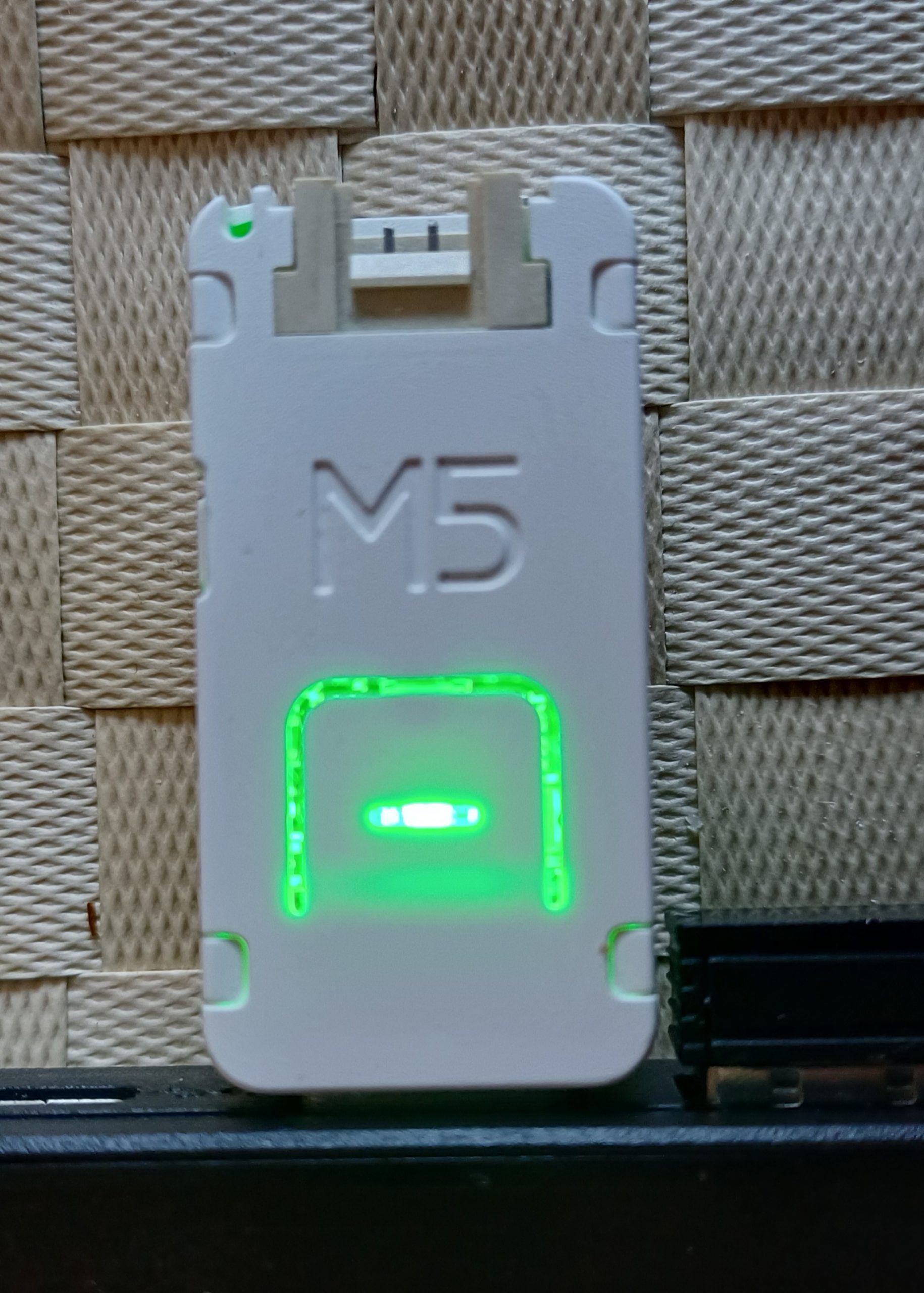
Here’s a minimal test program in micropython
from hardware import RGB
import time

# Initialize LED
rgb = RGB()
rgb.set_brightness(70)  # visible intensity

# Define the colors to toggle (RGB tuples)
colors = [
    (255, 0, 0),    # Red
    (0, 255, 0),    # Green
    (0, 0, 255),    # Blue
    (255, 255, 0),  # Yellow
    (0, 255, 255),  # Cyan
    (255, 0, 255),  # Magenta
    (255, 255, 255) # White
]

while True:
    for color in colors:
        rgb.fill(color)  # set LED color in buffer
        rgb.write()      # flush buffer → LED updates
        time.sleep(1)    # hold color for 1 second
And in C for Arduino IDE
#include <Adafruit_NeoPixel.h>

// On the M5Stack AtomS3U, the built-in WS2812 LED is connected to GPIO 35
#define LED_PIN    35
#define NUM_LEDS   1

Adafruit_NeoPixel rgb(NUM_LEDS, LED_PIN, NEO_GRB + NEO_KHZ800);

struct Color {
  uint8_t r;
  uint8_t g;
  uint8_t b;
};

Color colors[] = {
  {255, 0, 0},     // Red
  {0, 255, 0},     // Green
  {0, 0, 255},     // Blue
  {255, 255, 0},   // Yellow
  {0, 255, 255},   // Cyan
  {255, 0, 255},   // Magenta
  {255, 255, 255}  // White
};

const int numColors = sizeof(colors) / sizeof(colors[0]);

void setup() {
  rgb.begin();
  rgb.setBrightness(70);  // Adjusted for clear, visible intensity
  rgb.show();
}

void loop() {
  for (int i = 0; i < numColors; i++) {
    rgb.setPixelColor(0, rgb.Color(colors[i].r, colors[i].g, colors[i].b));
    rgb.show();
    delay(1000); // Hold for 1 second
  }
}