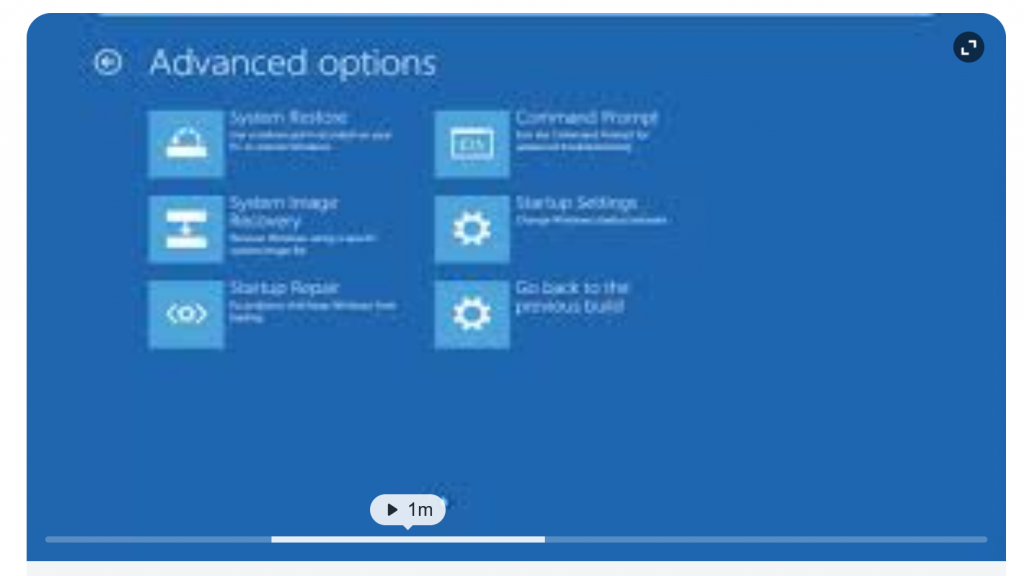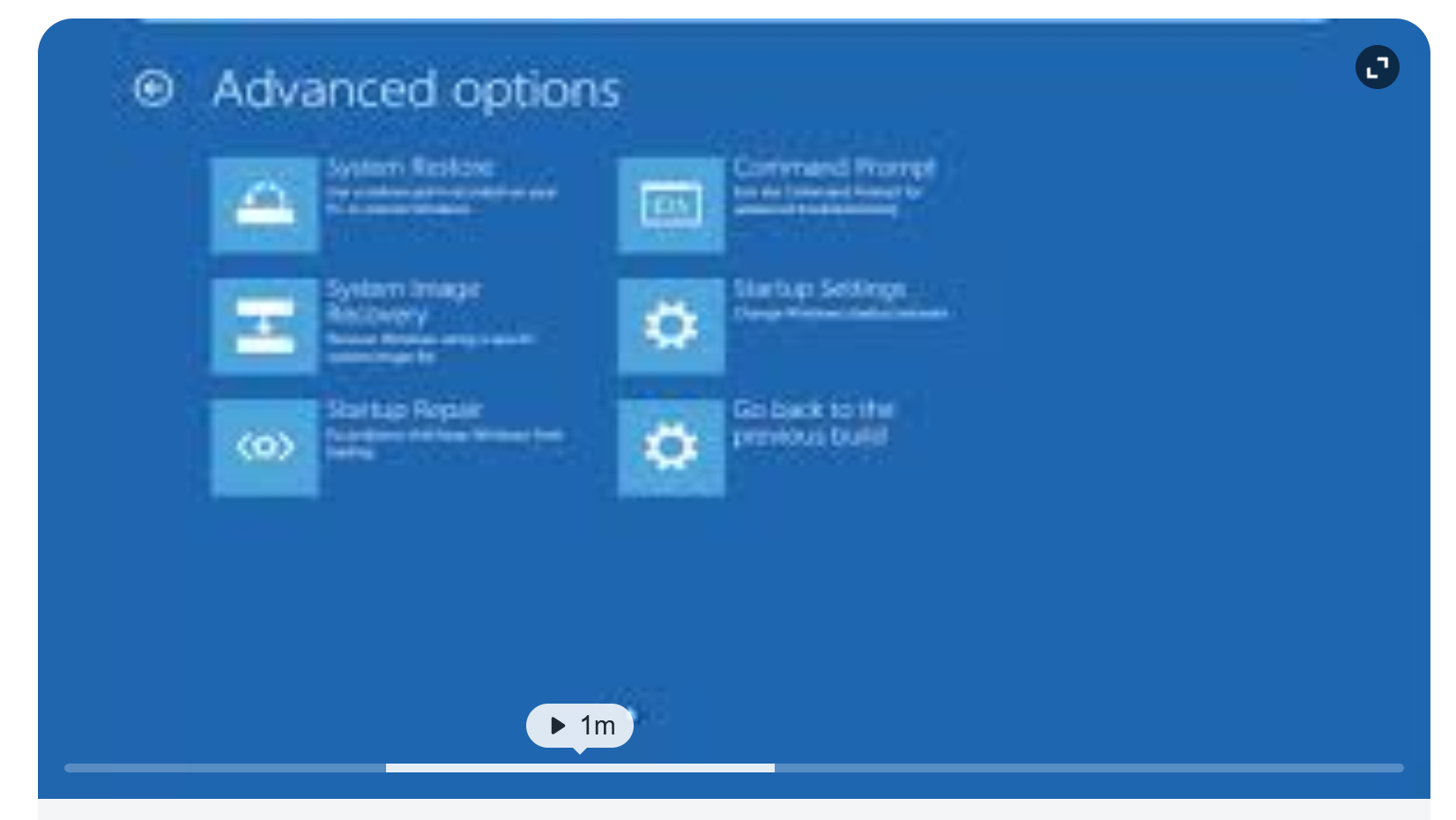
To change UEFI settings in Windows, go to Settings > System > Recovery > Advanced startup and click Restart now. Upon reboot, select Troubleshoot > Advanced options > UEFI Firmware Settings. Alternatively, use the Shift + Restart method from the sign-in screen, or press the manufacturer’s function key (e.g., F2, F12, Del) during boot.